Let's get started!

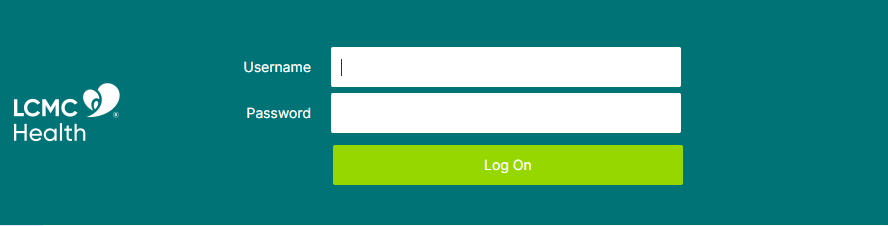
Step 2: Login using your LCMCHealth user name and password
Step 3: On your phone, DUO will prompt you to “Accept” the login request to successfully access the Citrix site.
Step 4: Click on the Apps Icon to access the Citrix Apps available on your account
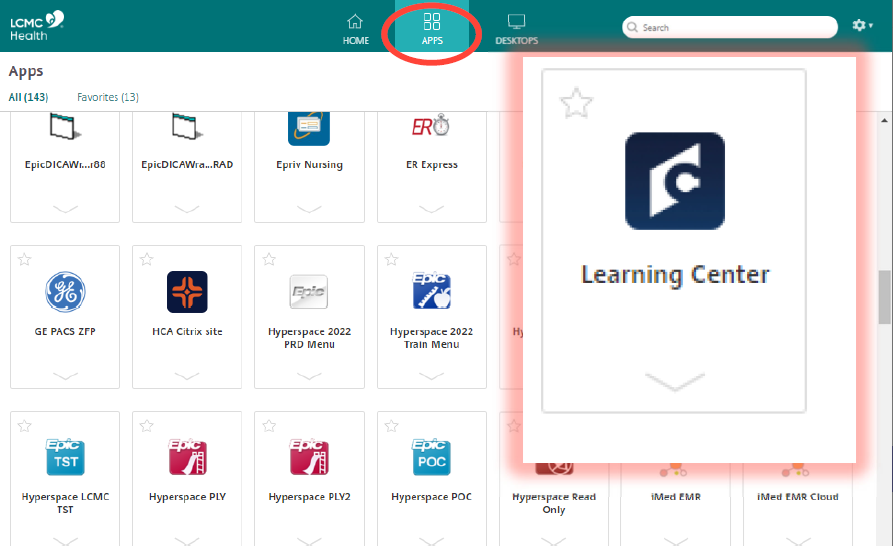

Step 5: Type in the name of the app you would like to access (i.e. "Learning Center" or "Epic").
Step 6: Click on the icon to open the app


A transcript will be forwarded to the LCMC Academic Affairs Office when the training modules have been successfully completed and closed.
If you have technical issues closing the module(s), please contact LCMCOD@lcmchealth.org for assistance.
Problems? Questions? Issues?
Please contact the LCMC IT
Help Desk:
(504) 702-HELP